Mantravali / Apps / ToneClip
ToneClip
iPhone · iOS 26 or later · Coming soon
ToneClip turns a song, a video's sound or a recording into a ringtone you can set in three taps. It is for anyone who wants a custom ringtone without GarageBand or a computer.
What it does
- Pick any sound you ownUse audio files from Files or iCloud, the sound from a video in your Photos, or something you record yourself.
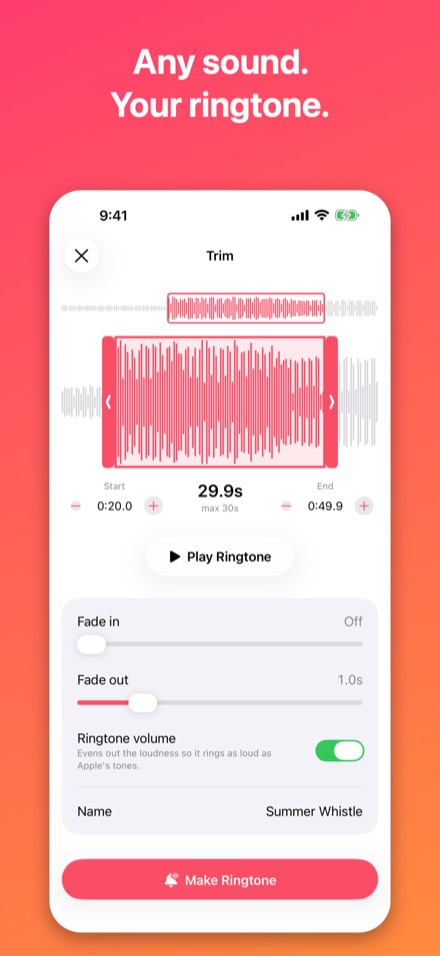
- Trim it on a waveformDrag the handles or nudge to the tenth of a second, loop the preview, add fades, and let ringtone volume even out the loudness.
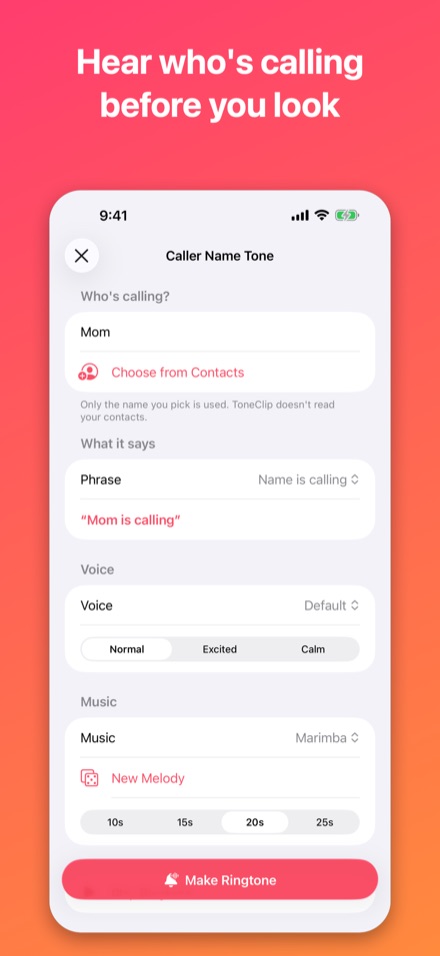
- Caller Name TonesMake a ringtone that says "Mom is calling" over a short melody, with the person, words, voice and music all chosen by you.
- Tone StudioCompose an original melody on your iPhone by picking a sound such as marimba, bells or glass, plus a key and a tempo.
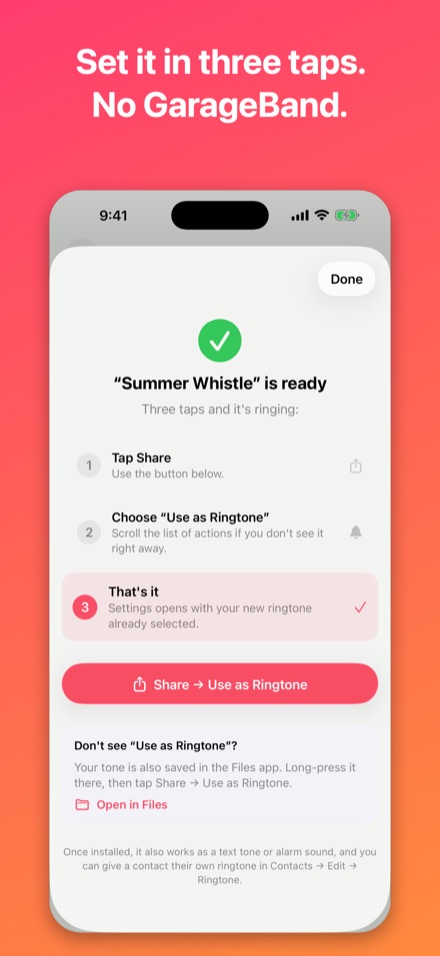
- Set it in three tapsTap Share, choose "Use as Ringtone", and Settings opens with your new ringtone selected. Your tones also work as text tones, alarm sounds and per-contact ringtones.
- Private and fairly pricedNo account, no ads and no tracking, and your sounds never leave your iPhone. Your first ringtone is free, then Pro is a one-time purchase or a yearly subscription, with no weekly plan.
Use sounds you own or have the rights to. Apple Music downloads are copy-protected by Apple and can't be used.
Screenshots
Get one email when ToneClip launches
No newsletter and no spam. Your address is only used for this one email, then deleted.
See the privacy notice.