Mantravali / Apps / WatchMeetingNotes
WatchMeetingNotes
Apple Watch · iPhone · Mac · Coming soon
Tap your wrist, record in the open, and get the recording, a transcript, key notes and action items, saved to your own iCloud. It is for anyone who wants to be in the meeting instead of typing notes during it.
What it does
- One tap from your wristStart from a watch-face complication or Siri, or on supported models with double tap or the Action Button.
- Recorded in the openRecording starts only when you start it, the system microphone indicator stays visible, and it stops by itself after five minutes without speech (adjustable).
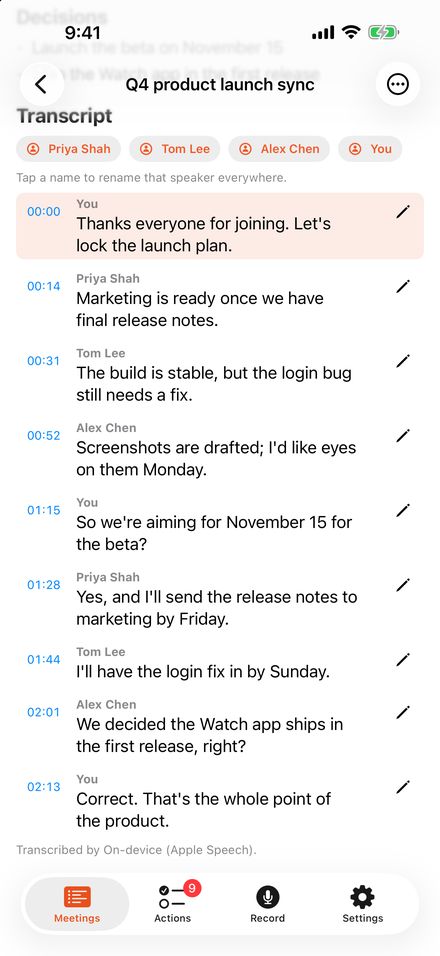
- Transcript and speaker labels on your deviceRecordings go from your Watch to your iPhone, where speech recognition and speaker labels run on the device, and an optional key of your own sends data straight to the provider you choose.
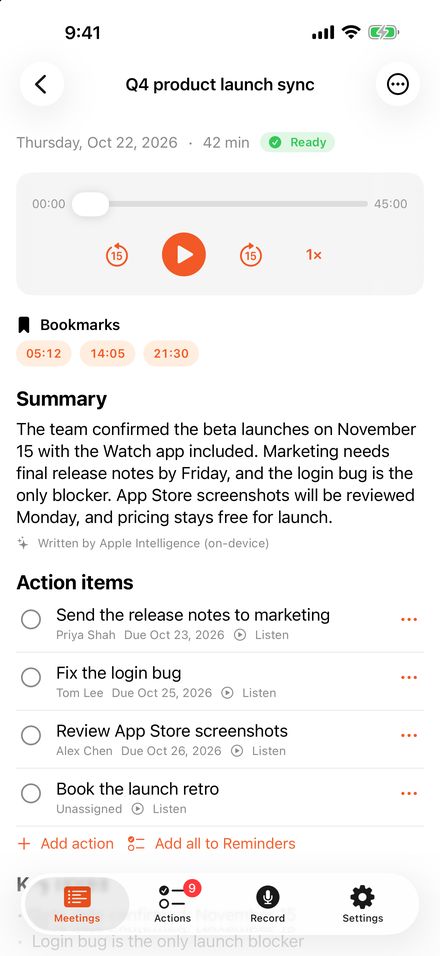
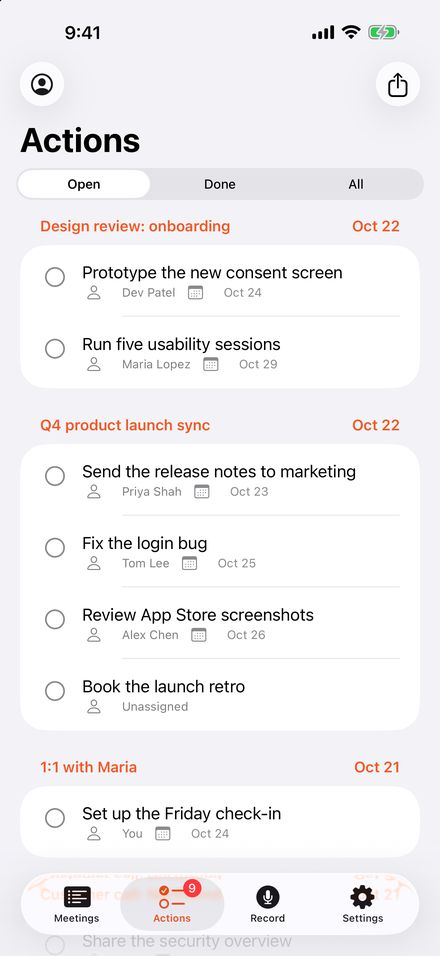
- Notes and action itemsGet a short summary, key notes, decisions and action items with owners and due dates, only when someone actually said them.
- Saved to your iCloudEach meeting is a folder in your iCloud Drive with the audio, transcript and notes as ordinary files, with no account to create and no company server holding your meetings.
- iPhone and Mac tooRecord from your iPhone or Mac, or drop an audio or video file onto the Mac app, and every meeting shows up on your other devices through iCloud.
Screenshots
Get one email when WatchMeetingNotes launches
No newsletter and no spam. Your address is only used for this one email, then deleted.
See the privacy notice.